





3D Assembly Guide
Make assembly easier for your customers.
From the QR code on the box to the final assembly step, your customers can explore your product’s parts and assembly sequence in three dimensions.
Are your assembly instructions clear enough for your customers?
Assembling a flat-pack product is one of the first experiences your customers have with it. Complicated drawings, look-alike parts and hard-to-follow steps can make assembly a chore.
Incorrect assembly, doubts about missing parts and problems during setup can negatively affect customer satisfaction and after-sales support.
From paper instructions to an interactive 3D assembly experience
The MEGATON 3D Assembly Guide is a digital assembly guide that runs in a web browser and explains the assembly of flat-pack products with 3D models and animations.
Your customers can scan the QR code on the product box, browse the parts list and follow the assembly steps at their own pace. Replace static drawings with a clear, animated assembly walkthrough.
What does an interactive 3D assembly guide offer?
- Interactive 3D product model
- Explore the product and its parts in three dimensions.
- Visual parts list
- See the parts required for assembly and their quantities.
- Part highlighting
- See the selected part clearly highlighted on the 3D model.
- Step-by-step assembly animation
- Follow the assembly sequence stage by stage.
- Playback controls
- Move forward, go back or replay assembly steps.
- QR code access
- Reach the digital guide with the QR code on the product packaging.
- Mobile browser support
- Use the guide without downloading a separate app.
- Multi-product selection
- Choose the guides of different products from the same interface.
How do we work?
To start a project, we request information and files from you in four stages. Below you can see what we expect at each stage and what we deliver at the end.
-
Model delivery
The 3D model of your product is shared with us. Work starts from this model so that the parts and the structure of the product can be built correctly in the guide.
From you: Product model -
Receiving the instruction manual
Your product’s existing assembly manual is received. The assembly sequence and step information is extracted from the manual and built into the guide.
From you: Assembly manual -
Clarifying equipment and assembly details
The hand tools and fasteners used during assembly are clarified together. For example, if a screw is tightened with a screwdriver, the use of that tool is shown at the relevant step of the guide.
See it in a live example (opens in a new tab) From you: Hand tool and fastener details -
Preparing and delivering the guide
The assembly guide is prepared and delivered to you as a link. You can connect this link to the QR code on your product packaging and reach your customers. The guide can also be published on your own domain (for example, installation.yourcompany.com).
Delivery: Guide link
3D assembly solutions for flat-pack products
From furniture to garden equipment, from shelving systems to sports products, interactive 3D assembly guides can be prepared for different product groups that require assembly, in line with each product’s structure and assembly instructions.
Furniture and office products
Wardrobes, beds, bookcases, desks, office chairs, TV units and modular furniture: 3D furniture assembly guides.
Garden and outdoor products
Visual assembly walkthroughs for garden seating sets, swings, sun loungers and flat-pack outdoor furniture.
Sports and fitness equipment
Digital guides for the assembly of exercise bikes, workout benches and home sports equipment.
Shelving and storage systems
Step-by-step assembly guides for modular shelving, steel shelving, garage shelving and storage cabinets.
Baby and children’s products
Guides that follow the manufacturer’s approved assembly instructions for cots, children’s furniture and flat-pack play products.
Construction and decoration products
Dedicated visual walkthroughs for products that require assembly, such as modular cabins, panels and partition systems.
Home and living products
Digital assembly instructions for portable clothes racks, modular organisers and other home products assembled from parts.
Pet products
Assembly guides for cat houses, scratching posts, kennels and flat-pack cages.
Hobby and leisure products
3D assembly walkthroughs for game tables, table football and flat-pack hobby products.
Shop and display systems
Assembly guides for modular stands, product display units and shop shelving.
The guides do not replace the manufacturer’s instructions, nor the authorised installation required for assemblies that are critical for technical or safety reasons; they complement those instructions.
Clearer assembly, a better customer experience
- Make after-sales support easierHelp your customers find answers to basic assembly questions in the guide.
- Aim to reduce assembly errorsShow the parts and the correct assembly order visually.
- Support customer satisfactionOffer a clear assembly experience together with the product.
- Reduce reliance on printed manualsOffer a digital alternative or complement while keeping the printed and safety instructions that are required.
- Add digital value to your productsSupport your after-sales service with an interactive guide.
- Bring product guides togetherMake multiple products accessible from the same interface.
Your customer reaches the guide in three steps
The QR code added to your product packaging takes your customers straight to the product’s own assembly guide.
-

Your customer scans the QR code
They reach the guide via the QR code on the product packaging and open it in the browser without downloading a separate mobile app.
No app download -
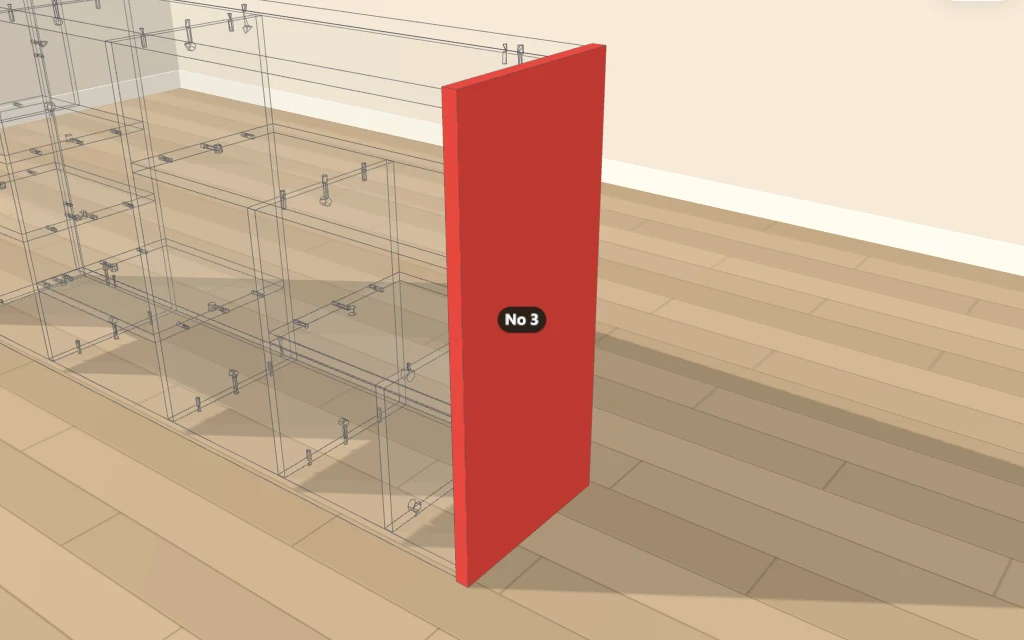
They get to know the parts
They explore the product’s parts list and 3D model and identify the parts to be used during assembly.
Part highlighting -
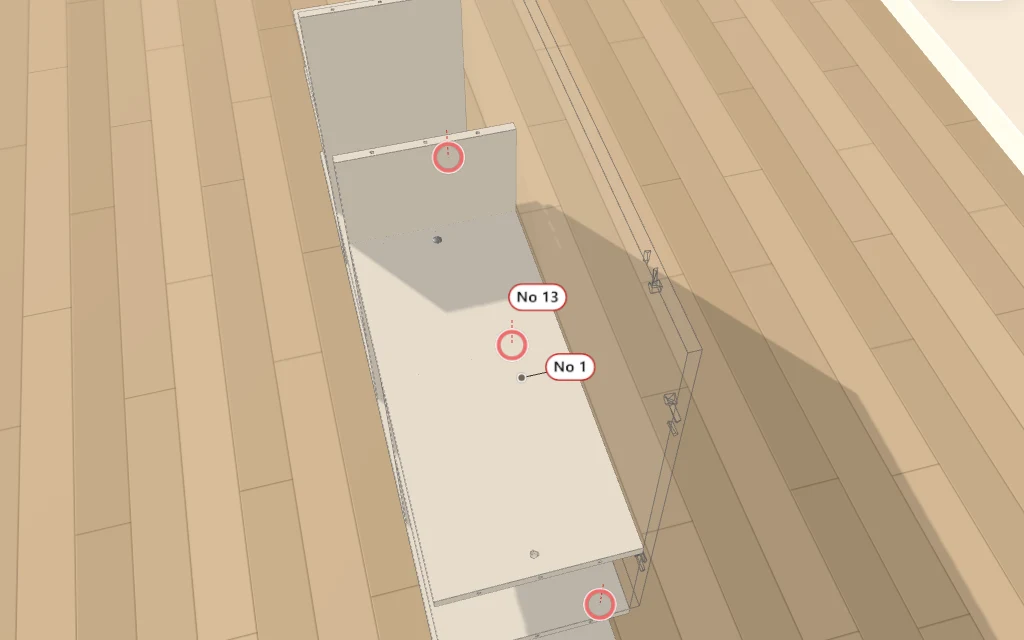
They follow assembly step by step
They watch the 3D assembly animations and replay steps when needed.
Forward · back · replay
Try the experience your customer will see in the demos below
Explore the 3D Assembly Guide
See how the parts list is displayed, how the assembly steps are followed in three dimensions and how the interactive assembly experience works.
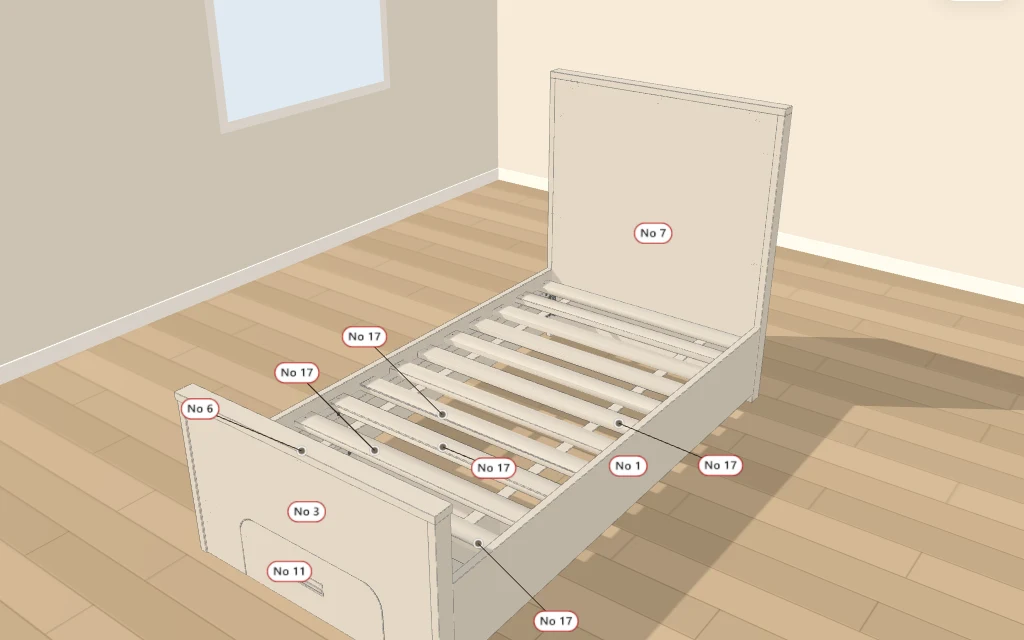 Bed ↗ (opens in a new tab)
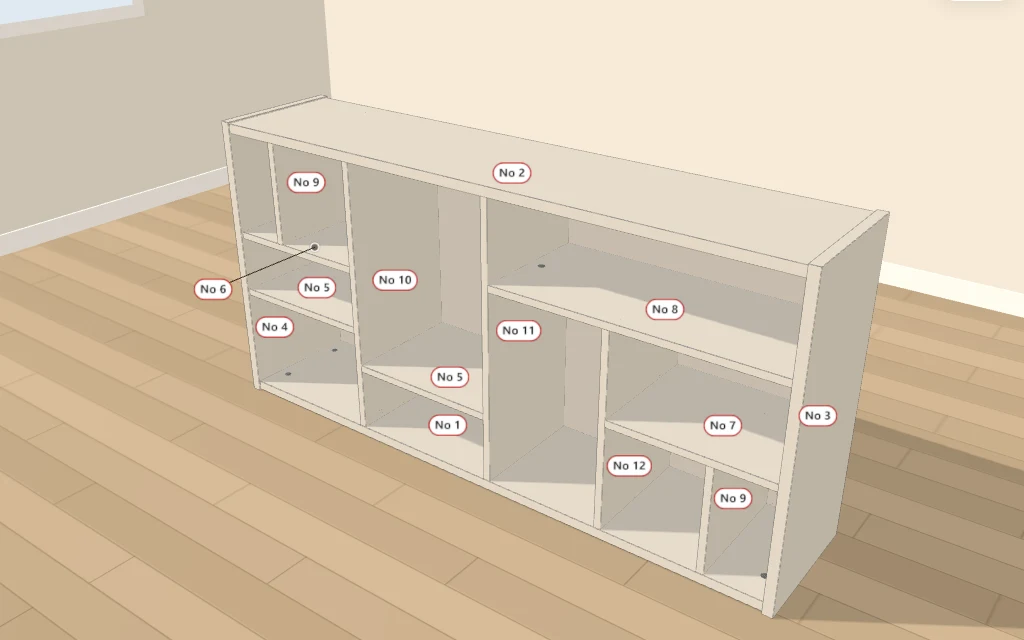 Bookcase ↗ (opens in a new tab)
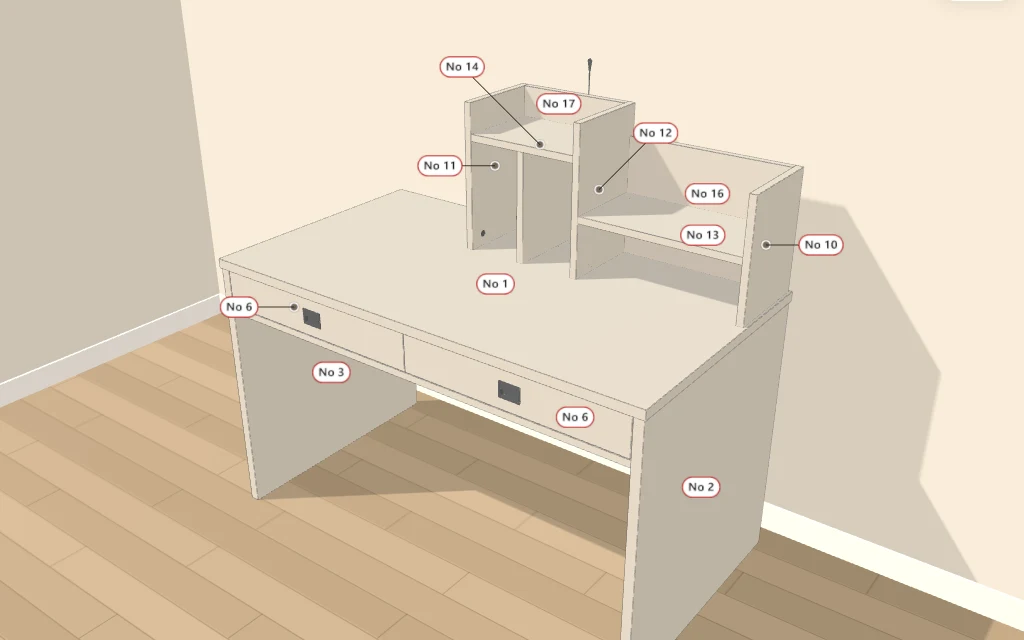 Desk ↗ (opens in a new tab)
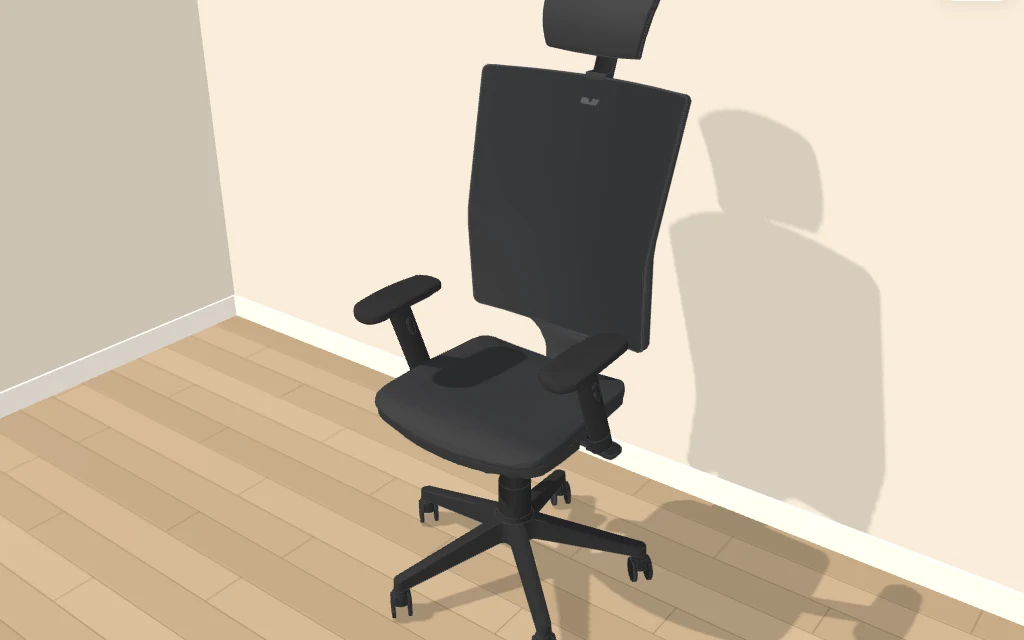 Office chair ↗ (opens in a new tab)
The live demos are currently available in Turkish.
Frequently asked questions about the 3D Assembly Guide
What is a 3D assembly guide?
It is a digital guide that explains the assembly steps of flat-pack products with three-dimensional models and animations. Users can examine the parts and follow the assembly sequence step by step.
What is the difference between 3D assembly instructions and an assembly animation?
An assembly animation explains the assembly process with moving images. An interactive 3D assembly guide also lets users move between steps and examine the parts, in addition to explaining the assembly.
How do QR-code assembly instructions work?
A QR code placed on the product packaging, or in a suitable information area, directs the user to the product’s digital assembly guide.
Do I need to download a mobile app?
No. The MEGATON 3D Assembly Guide can be used in a web browser.
Can a 3D assembly guide be prepared for flat-pack furniture?
Yes. You can explore live examples prepared for beds, bookcases, desks, office chairs and similar products.
Which products other than furniture can it be prepared for?
Garden products, shelving systems, fitness equipment and other flat-pack products can be assessed according to the technical requirements of the project.
Can an assembly guide be created for more than one product?
Different products can be listed in the same guide interface, and the user selects the product they want to assemble.
Can the guide be published on our own domain?
Yes. The guide can be published on your company’s subdomain (for example, installation.yourcompany.com). Contact MEGATON for details about this option.
How can I have a 3D assembly guide prepared for my products?
Share your product group, your existing assembly instructions and, if available, technical drawings or 3D model information with MEGATON to request an assessment for your project.
How is the price of a 3D assembly guide determined?
Contact MEGATON so that an assessment can be made according to the scope of your project.
Let’s prepare a 3D assembly guide for your products
Make the assembly of your flat-pack products clearer for your customers. Share your products and your needs with us, and let’s assess your project together.
